


Guide for BusinessBike Subscriptions | PubliBike Velospot
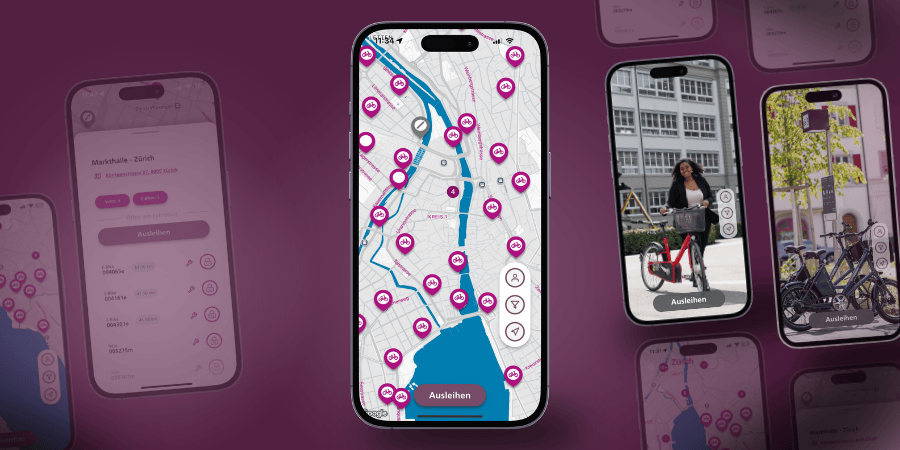
Download the PubliBike Velospot (Zone 1) app.

- Register with your company or university email address
- Enter the promo code
- Confirm your phone number
- Add a payment method
You’ll then receive an email with a confirmation link – tap it to activate your subscription.
Renew your subscription or use an existing account
Five days before your subscription expires, you’ll receive a reminder email. Check your company email address under Profile and your payment method under Payment & Credit, and update them if needed.
You can only activate the new subscription after your current one has expired. To do so, enter the promo code in the app under Subscriptions & Passes. The subscription will appear, and you can then activate or purchase it.
You’ll then receive an email with a confirmation link – tap it to activate your subscription.
Common Sources of Errors
Verification Email
The verification email is only sent once a valid payment method and your company email address are added to your account.
Subscription Renewal
Subscriptions never renew automatically.
Existing Account
If you are already a PubliBike Velospot customer and have access to a BusinessBike subscription, change your email address in Profile to your company email address. Then use the promo code.
Received an Error
Please contact customer service via chat.